

Follow the instructions to download our toolbox.
First, download our repository from GitHub: Link
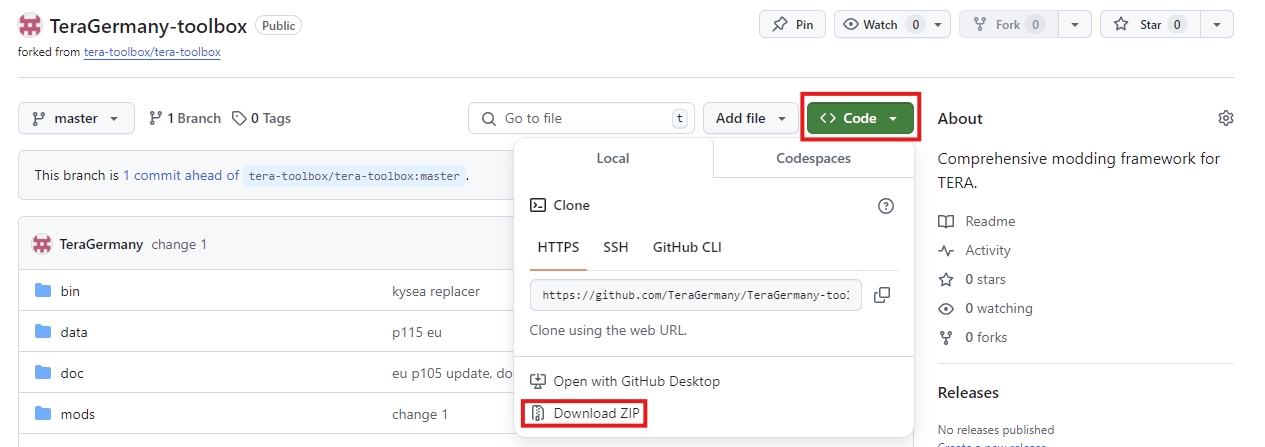
Extract the zip file to a location of your choice.
Then download Node.js: Link
then start the following file from the ToolBox folder: TeraToolbox
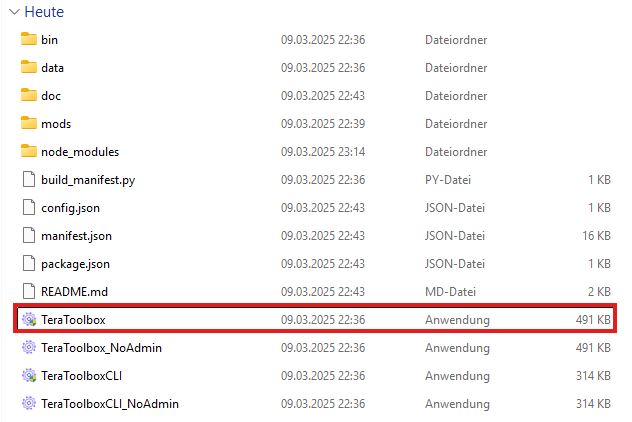
This automatically downloads the last required file.

The toolbox then opens automatically.

You can activate and deactivate the mods of your choice under My Mods:
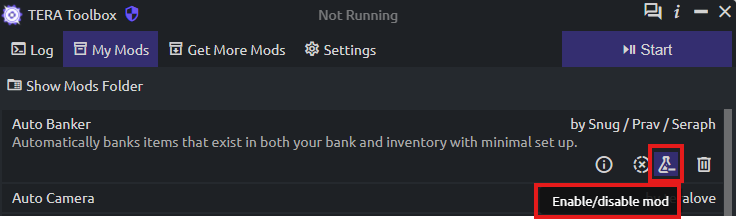
Mods are deactivated if they are marked in red.

Once you have selected all of them according to your preferences, start the ToolBox:

As soon as it says:

you can start your Tera normally.